
Bank of America Pre-Qualify Tool for Some Cards
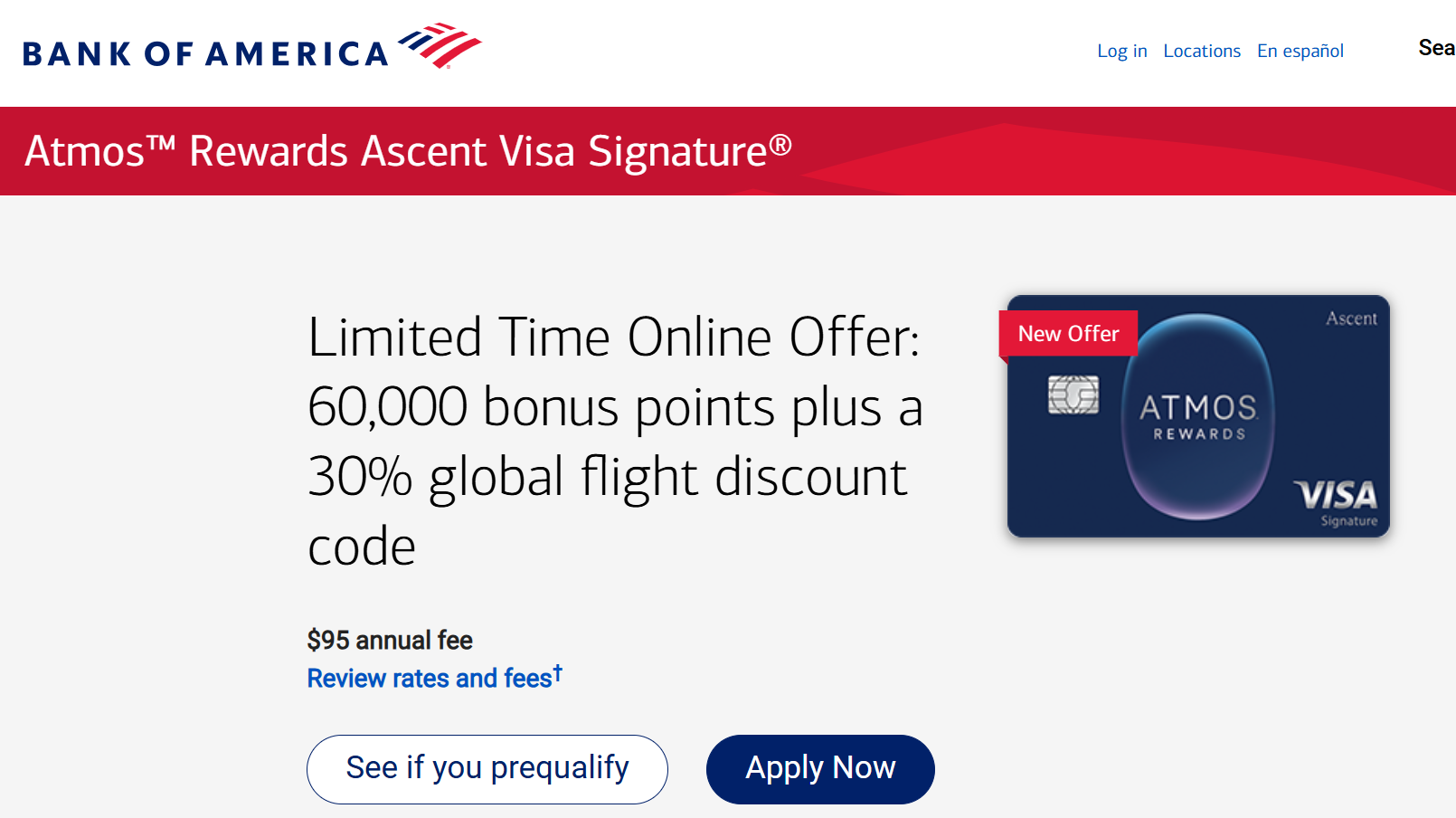
In recent days Bank of America is showing a Pre-Qualify tool for some of its credits cards. On some individual card pages you will see a button “See if you prequalify” next to the “Apply Now” button.
The image above shows the Atmos Rewards Ascent Visa Signature card, but you might find the same tool on other cards as well.
If you click “See if you prequalify”, it will ask you to sign in or enter the last four digits of you social and your phone number. After that it will autofill some basic personal information and probably ask you to enter your email. You can then proceed and you will see if you are prequalified for that specific card.
This seems to be a better indicator at your chances of being approved than the general pre-approval tool.
HT: FrostieWaffles
Like this:
Like Loading…
Disclaimer: This story is auto-aggregated by a computer program and has not been created or edited by finopulse.
Publisher: Source link